 Rujuu Lab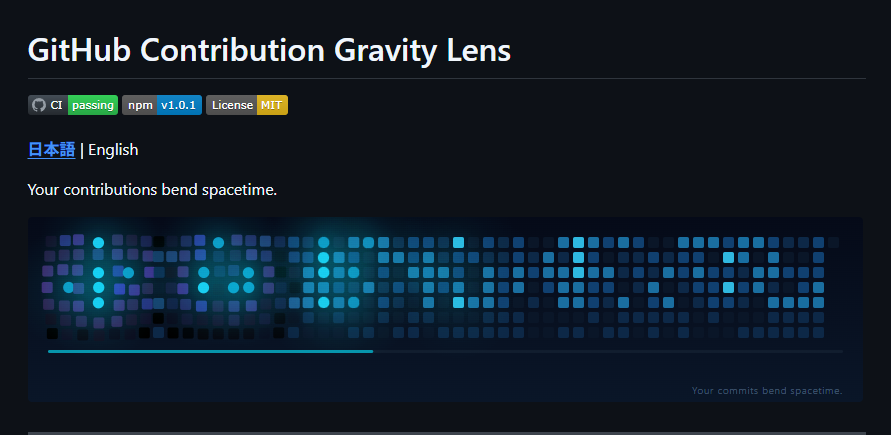

When you look at your GitHub contribution graph,
it sometimes feels a bit like staring into space.
Each commit lines up like a tiny star,
and the more active days shine a little brighter than the rest.
At some point, a thought crossed my mind:
What if more active days actually had mass?
If that were true, the space around them should warp.
That idea led to the creation of GitHub Contribution Gravity Lens.
https://github.com/Rujuu-prog/github-contribution-gravity-lens
Try it out in your browser below.
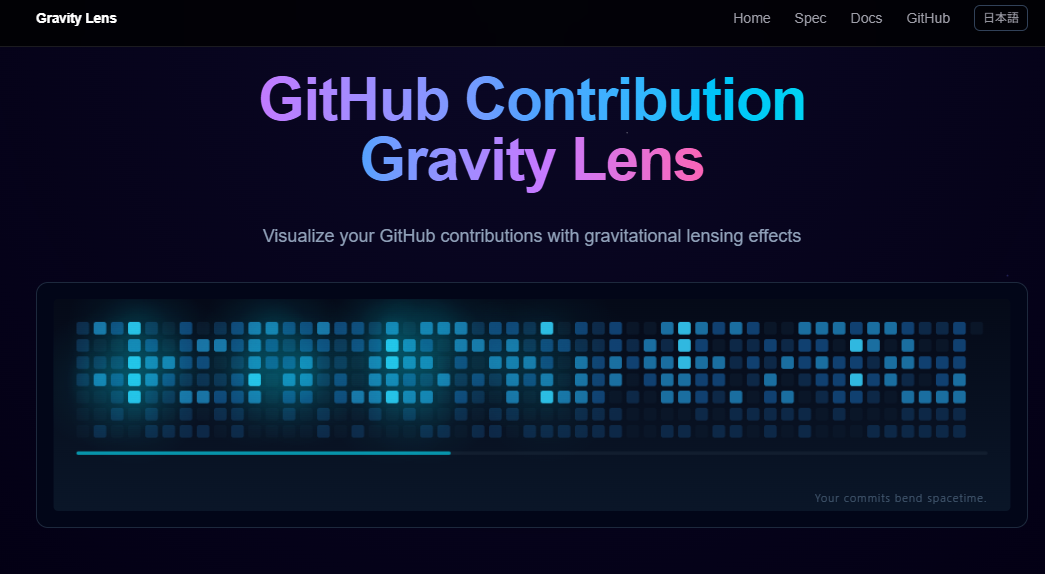
GitHub Contribution Gravity Lens is a tool that:
- Fetches your yearly GitHub contribution data
- Detects highly active days as “gravity sources”
- Warps surrounding cells as if they’re being pulled in
- Exports the result as animated SVG or GIF
The generated SVG can be embedded directly into your GitHub profile or README.
It’s not just decoration — it’s a way to physically bend your year.
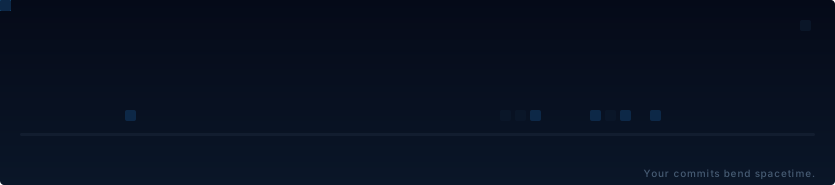
For example, you can generate visuals like this:
The contribution graph is a great way to visualize activity,
but I always felt like something was missing.
That something is “weight.”
For example:
- Days when you were deeply focused and coding non-stop for three days
- Days when you made major architectural changes
- Days when you truly gave it your all
Even those kinds of “heavy” days
are ultimately represented only by color intensity.
But for the person doing the work, it feels different.
しかし、開発している本人にとっては、

That day’s work felt heavy…
That’s the kind of feeling we have.
So I thought — why not visualize that weight?
This tool is a great fit for people who:
- Want to make their GitHub profile more unique
- Want to add dynamic, animated elements to their README
- Want to see their year from a different perspective
For the latest usage details, please refer to the documentation,
but here’s a quick overview.
Since it’s easiest to have it update automatically every day with GitHub Actions,
start by creating a file like this in your repository:
name: generate gravity-lens

on:
  schedule:
    - cron: "0 0 * * *"   # UTC 00:00
  workflow_dispatch:
  push:
    branches: [ main ]

permissions:
  contents: write

concurrency:
  group: gravity-lens
  cancel-in-progress: true

jobs:
  generate:
    runs-on: ubuntu-latest
    timeout-minutes: 10

    steps:
      - uses: actions/checkout@v4

      - name: Generate(dark)
        uses: Rujuu-prog/github-contribution-gravity-lens@v1.0.0
        with:
          github-token: ${{ github.token }}
          theme: github
          output-path: dist/gravity-lens-dark.svg

      - name: Generate(light)
        uses: Rujuu-prog/github-contribution-gravity-lens@v1.0.0
        with:
          github-token: ${{ github.token }}
          theme: paper-light
          output-path: dist/gravity-lens.svg

      - name: Deploy artifacts to output branch
        uses: crazy-max/ghaction-github-pages@v3.2.0
        with:
          target_branch: output
          build_dir: dist
        env:
          GITHUB_TOKEN: ${{ github.token }}
Once the workflow runs, an SVG will be generated in the output branch.
After that, simply add an HTML tag like the one below to your README to complete the setup.
※Replace USER and REPO with your own values.(e.g. https://raw.githubusercontent.com/Rujuu-prog/Rujuu-prog/output/gravity-lens-dark.svg)
<picture>
  <source media="(prefers-color-scheme: dark)" srcset="https://raw.githubusercontent.com/<USER>/<REPO>/output/gravity-lens-dark.svg">
  <source media="(prefers-color-scheme: light)" srcset="https://raw.githubusercontent.com/<USER>/<REPO>/output/gravity-lens.svg">
  <img alt="GitHub Contribution Gravity Lens" src="https://raw.githubusercontent.com/<USER>/<REPO>/output/gravity-lens.svg">
</picture>
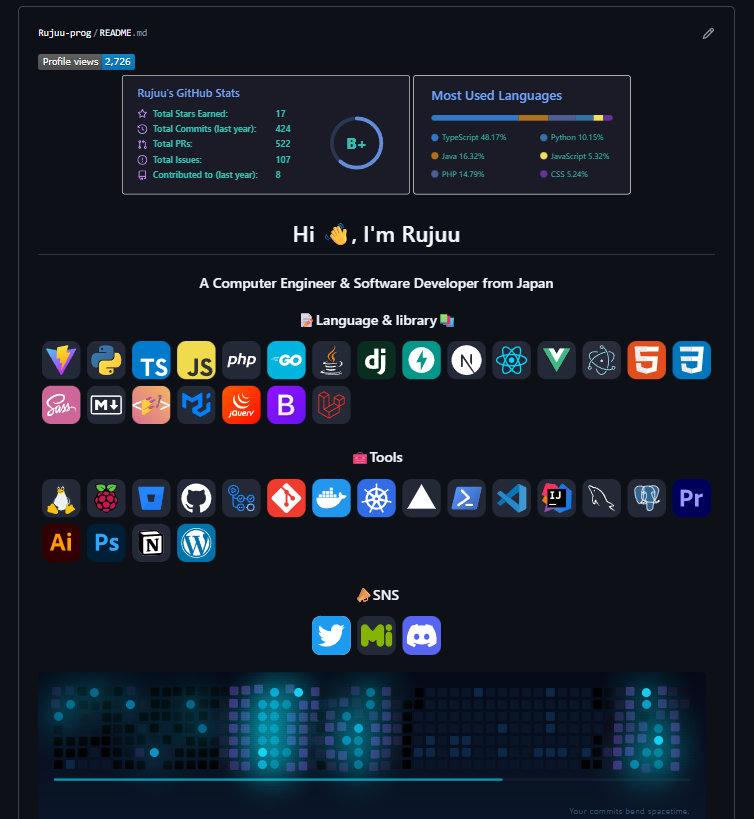
Here’s what your README will look like:
I’ll be adding more themes and improving the visuals going forward.
If you have any feedback, feel free to open an Issue.
And if you find this useful, a ⭐ on GitHub would mean a lot!